
Book · Ebook
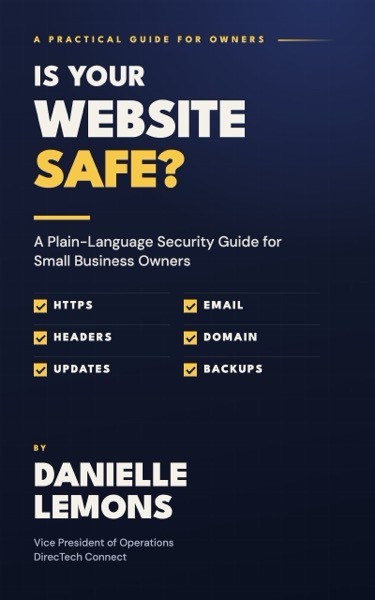
Is Your Website Safe?
A Plain-Language Security Guide for Small Business Owners
By Danielle Lemons. Coming soon.
Coming soon
Want to check your site today? Run the free DirecTech Security Check.
About the book
Most website security problems are not hacks. They are setup nobody did.
When Danielle Lemons and her team at DirecTech Connect built a free website security scanner and ran it on their own work, they found something encouraging: the lost points did not come from break-ins or bugs. They came from settings that were never turned on, records that were never added and files that were never published. Every one of them was fixable.
This short, practical guide explains website security in plain language for owners who are not technical and do not want to become technical. You will learn:
- Who really controls your domain, hosting, DNS and admin accounts, and how to get them into your business’s name
- What the padlock does and does not mean, and why certificate renewals are about to matter more
- The security headers that protect your visitors, and how to ask for them by name
- How SPF, DKIM and DMARC stop scammers from sending invoices that look like they came from you
- DNSSEC, CAA and the forgotten subdomains that can be claimed by strangers
- What your WordPress site gives away, and why inactive plugins are not harmless
- MFA, password managers and what to do the day someone leaves
- The quiet failures: backups nobody has tested and contact forms that stop sending
- How to read your results from the free DirecTech Security Check, and when to call a professional
Every chapter ends with a short “Do this this week” list, and the final chapter turns it all into a weekly, monthly, quarterly and yearly routine you can actually keep.
No scare statistics. No jargon without an explanation. Just what to check, what to ask and who should fix it.
Who it’s for
This book is for the person who owns the business, runs the office, or got handed the website because nobody else wanted it. You do not need to write code. You need to know what to look for, what to ask, and when to pass the work to someone else.
- Small business owners who have a website but are not sure whether anyone is watching it
- Office managers and front-desk leads who have inherited the website, the domain or the email setup
- Owners who work with a web designer, IT company or hosting provider and want to ask better questions
Table of contents
An introduction and twelve chapters.
Contents
- Introduction: Why I Wrote This Book
- 1What “Safe” Actually Means for a Small Business Website
- 2Who Holds the Keys
- 3The Padlock: HTTPS, Certificates and Encryption
- 4Security Headers: Instructions Your Site Gives Every Browser
- 5Can Someone Send Email as You? SPF, DKIM and DMARC
- 6Your Domain’s Address Book: DNS, DNSSEC and Loose Ends
- 7What Your Website Gives Away
- 8Logins, Passwords and the People Who Have Them
- 9The Quiet Failures: Backups, Forms and Monitoring
- 10How to Use the Free DirecTech Security Check
- 11When to Call a Professional
- 12Your Security Routine: A Calendar You Can Keep
Check your site while you read
The book includes a chapter on the free DirecTech Security Check. Type in your website address and you get a grade out of 100 with a plain-English list of what an attacker or a scammer would notice first.
About the author
Danielle Lemons is Vice President of Operations at DirecTech Connect, a Nashville provider of business phone systems, managed IT services, websites and digital marketing. She has spent more than 20 years leading operations and delivery teams in technology, and she writes about practical technology for small business owners.
More about Danielle · All books
Written with the help of AI tools (Claude) from Danielle Lemons’ work and notes.